Quick Start
After installing Automation Server, follow these steps to run your first automation.
1. Check Your Workers
A "resource" is a worker that Automation Server can dispatch jobs to. Workers register themselves automatically when they connect — you don't need to add them manually.
Once your stack is running, the dashboard shows all connected workers in the cluster display:

Confirm at least one worker appears before creating your first process.
2. Set Up a Worker Token
Workers authenticate with the backend using a token. You create tokens through the Administration section of the web interface.
Navigate to Administration in the sidebar:

Click + Create and enter a name like "Worker token":
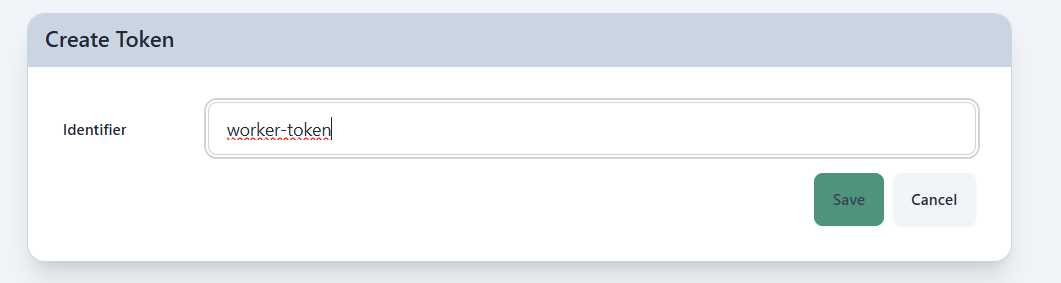
Copy the token shown — you won't be able to see it again:
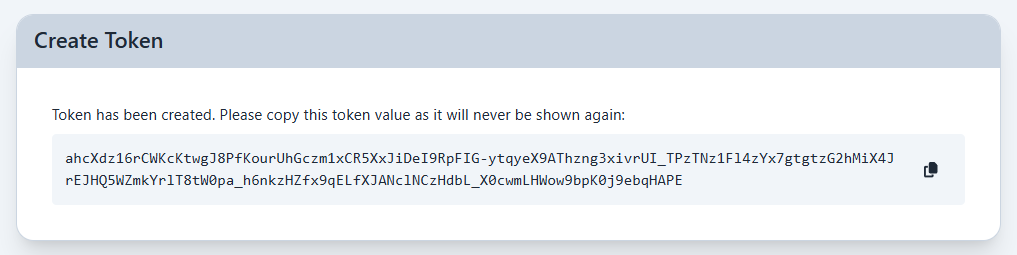
Copy the token now. Once you leave this page it cannot be retrieved.
Navigate back to Administration and configure the frontend to use the token:
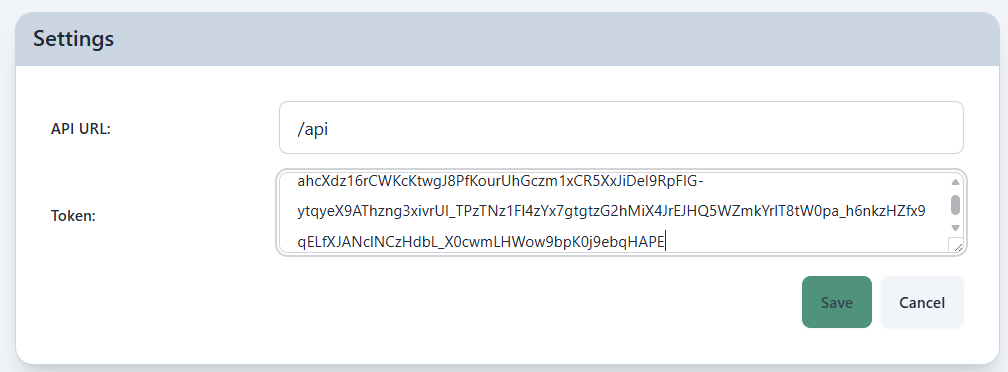
Then open your .env file and set the token so workers can authenticate:
ATS_TOKEN=your-token-here
Restart the stack to apply the change:
docker compose up -d
Next Steps
- Writing Automations — learn how to build your own automation
- Scheduling — understand trigger types in depth
Each user who needs access to Automation Server also needs a token. Create additional tokens in the Administration section the same way you created the worker token.